Sales tracking
Pipeline, follow-ups, quotes: the sales cycle exactly as your sales team runs it.

A custom CRM is customer relationship management software developed for the specific needs of your business: sales tracking, sales processes, marketing campaigns, task automation, dashboards and business rules, with no features you do not need. Instead of bending your organisation to fit a standard product, the CRM follows the way your team works, with full control over the data and the screens. Our web agency handles the development of your CRM, from assessing your needs to going live, then its evolution and its integration with your tools: a web application available in any browser, on desktop as on mobile, where each user finds the data relevant to their role and saves time.
An off-the-shelf configurable CRM is often enough to get started, and we will tell you so in our very first conversation. Building a custom CRM makes sense when your project goes beyond what a standard product can do: an unusual sales cycle, information specific to your industry, a connection to your website or your ERP. Web Opteam works by video call with businesses across France and abroad, in English too.
Pipeline, follow-ups, quotes: the sales cycle exactly as your sales team runs it.
One database for your contacts, your conversations and each customer’s history.
Website, ERP, email marketing, accounting: less double data entry.
CRM stands for Customer Relationship Management. A CRM brings together the information on your prospects and customers, the history of your exchanges, sales opportunities and each team member’s tasks. It is used to track sales activity, to make sure no potential customer is forgotten, and to see what works.
Custom software takes the same principle with code written for your company: the database, the fields, the pipeline stages, the approval workflows, the access rights and the interface design are all defined from your specific needs. No module imposed by a vendor: the CRM follows your processes and evolves with them, until it becomes the central system of your sales activity. An off-the-shelf configurable CRM, by contrast, limits customisation to the options its vendor provides.
A standard SaaS CRM (Salesforce, HubSpot, Zoho…) is quick to set up: create an account and configure a few fields, and you can start tracking your contacts. For many businesses, that is the right choice, as long as their sales process stays simple.
The limits show when your business steps outside the intended framework. You stack up add-ons, work around existing features, export files to piece information back together, and the per-user subscription grows with your team. An ill-fitting tool is costly in wasted time, and your sales team ends up keeping its own records on the side, in a spreadsheet.
To decide, look at these criteria:
Our advice: list everything your team does today outside the CRM (spreadsheets, emails, re-keying data). If the list is long, a custom tool is worth looking into.
A custom CRM is built in modules: you start with the key functions, then add the next ones based on actual use. Here are the main modules:
A concrete example of integration: a contact form filled in on your website creates a lead directly in the CRM, assigns it to the right salesperson and schedules a follow-up call. To connect your CRM to other software and automate tasks with artificial intelligence, see also our AI orchestrator.
A micro-business, an SME and a mid-sized company have different needs, and the level of customisation adapts to each:
In every case, the CRM must serve a clear goal: improving sales follow-up, boosting productivity, raising the prospect conversion rate or giving a reliable view of activity. A dashboard that tracks this goal from the very first version quickly shows the tool’s value and makes it easier for your teams to adopt.
Here are the main phases; how long they take depends on the scope and complexity of the project.
We study your business, your sales organisation, your users and what you already have: tools, spreadsheets, data to migrate. Scoping sets out in a specification the functional scope, priorities, technology, cost and timeline, before any development begins.
Our UX/UI expert designs the key screens (customer record, pipeline, dashboard) for a tailored interface and a smooth user experience; we then define the data model according to the logic of your business.
A useful initial version, limited to the essential functions (contact management, a simple pipeline), then step-by-step additions to improve the CRM based on use: automation, reporting, integrations. You follow progress at every stage.
Before going live, your users try out the CRM on a beta version, with real cases from their daily work: the final adjustments are made at this point.
Data migration, hosting on our servers if you wish, GDPR compliance, then helping your users get started with the tool.
Once the CRM is up and running, our team looks after it: maintenance, technical support and new features to improve it as your needs change.
This phased rollout makes adoption easier: a CRM is only useful if people use it. Sales staff and field teams start with a tool that is easy to use, then see the features they suggested themselves arrive.
A CRM holds personal data: names, contact details, conversation history. The GDPR requires it to be protected by appropriate security measures, and it is also a question of trust for your customers.
In a CRM designed for you, access rights restrict each user to the information relevant to their role, data is hosted on our servers if you wish, and you remain the owner of your data and your logins. For DataPet Manager, GDPR compliance covers the whole CRM: users, members, customers and animals.
There is no single price: the cost depends on the number of modules, the complexity of the business rules, the connections required, the data migration and the number of user profiles. The initial investment is higher than a subscription product, but there is no per-user licence and this scalable tool grows with your business. Also plan for hosting and maintenance.
The quote, free and with no obligation, is drawn up after scoping, once the scope is clear; it sets out the cost and timeline of each stage. To keep your budget under control, start with an initial version limited to the essential functions, then add the next modules: a gradual investment, adjusted to your teams’ feedback.
Developing a CRM means designing a database structure and integrating other tools, but above all understanding your needs properly. Our approach: support from scoping to maintenance, by the same team. At Web Opteam, Julia is your first point of contact from start to finish, and Nicolas Lauwick, head of the Web team, takes the time to understand your sales organisation before writing any code.
To go further, our article explains why bringing your online presence and your CRM together in a single application avoids exports and double data entry.
Organic search brings in visitors; the CRM tells you which of them become customers, and therefore which content to work on first.
Find out more
By importing the sales closed in your CRM into Google Ads, automated bidding focuses on the leads that actually sign.
Find out more
Google Analytics and Google Tag Manager measure your visitors’ journey, right up to the form that feeds your CRM.
Find out more
They trusted us
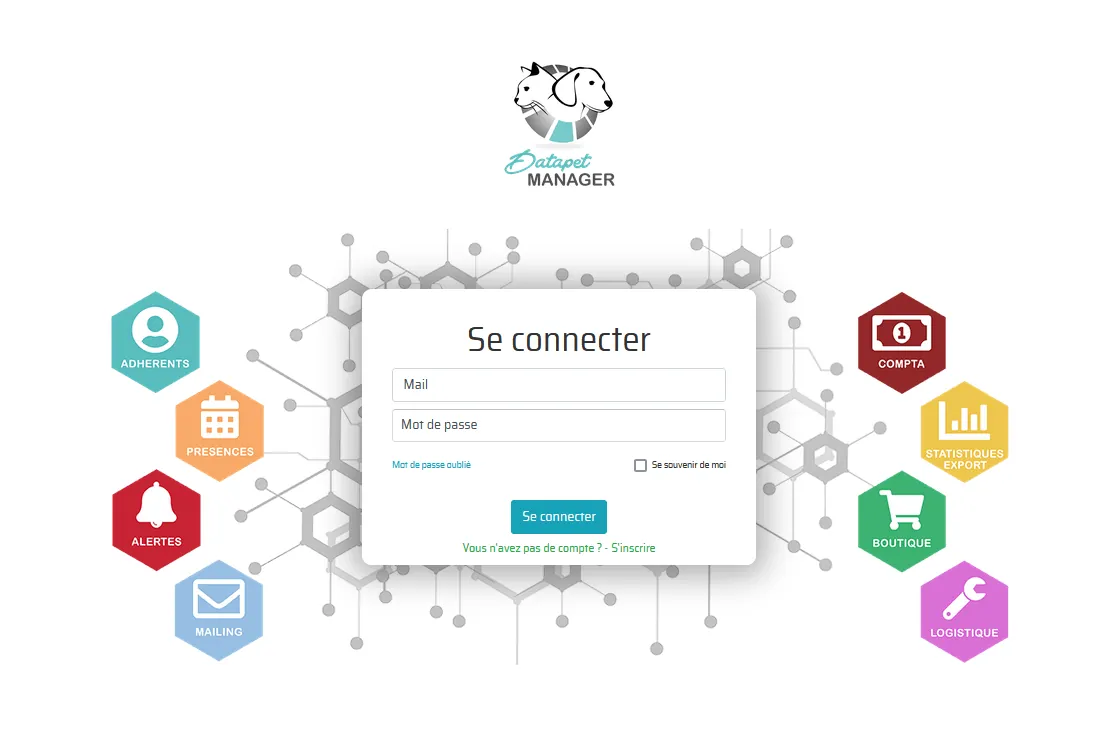
DataPet Manager is a pet CRM designed to run dog clubs, animal training centres and pet trainers. It was…
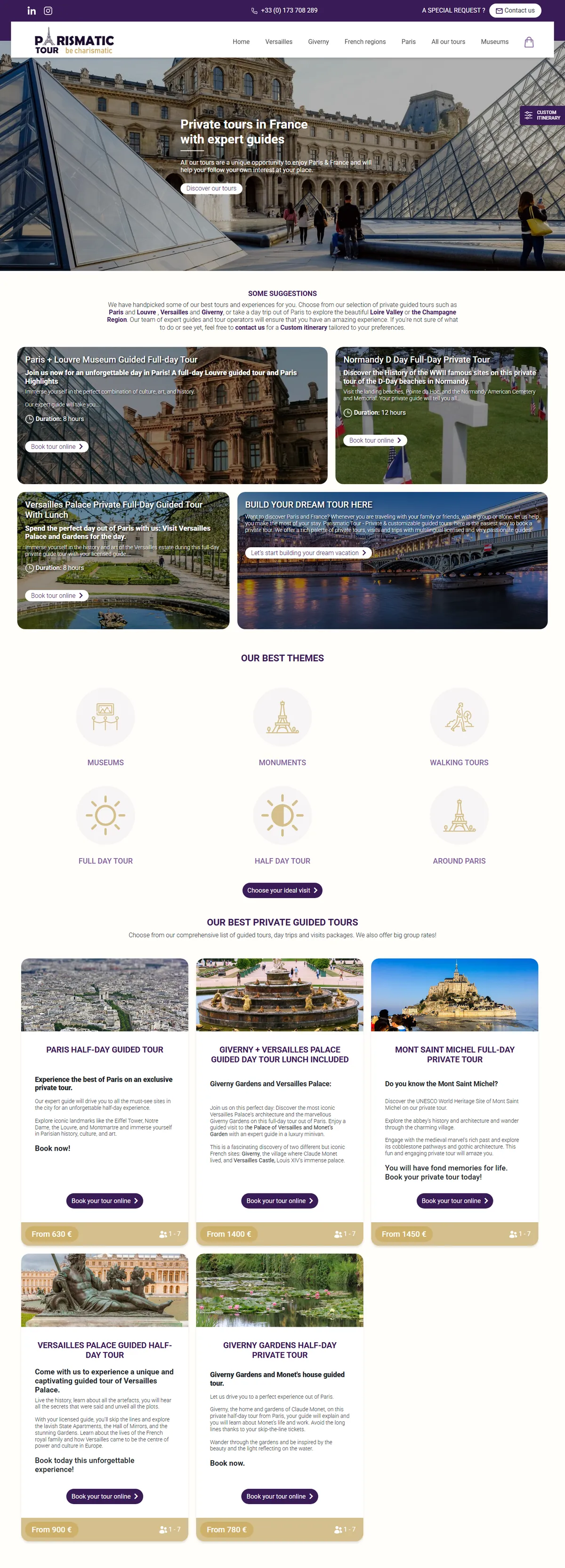
Parismatic Tour is a website for booking private sightseeing tours online. Built entirely from scratch on the…
There is operational CRM, which handles day-to-day work (contacts, sales, marketing, customer service), analytical CRM, which uses data to analyse behaviour and steer the business, and collaborative CRM, which shares information between departments. A custom CRM can combine all three, depending on your goals.
It all depends on what it needs to do: simple sales tracking is quicker to develop than a CRM with industry-specific modules and several integrations. We set the timeline during scoping, stage by stage, including a test period on a beta version. Thanks to the phased rollout, your team uses a first version of the CRM before the project is finished.
Yes. Contacts, history and documents from your current CRM or your spreadsheets can be imported, after cleaning up duplicates and badly filled fields. Data migration is planned from the initial audit.
Yes. It is a web application, a technology that runs in a browser: your teams use it on desktop, tablet or smartphone, in the office or out in the field.
Our team handles maintenance, technical support and new features. You follow each request on Hub Opteam, and the tool evolves at the pace of your business.
What if your next website became your best salesperson?
Keep in touch!
We reply within one business day, in English, with an honest first opinion, even if it shakes things up a little.