
In an increasingly digital world, designing interfaces and user experiences is crucial to delivering products and services that are both attractive and functional. The terms UX Design (User Experience Design) and UI Design (User Interface Design) are often used together, but they refer to distinct and complementary concepts.
To make a digital project succeed, it is essential to understand these differences and how the two disciplines work together to meet users’ needs while achieving business goals.
In this article, we’ll explore the definitions, differences and synergies between the two, as well as the steps for building these practices into your projects.
What is UX design?
UX design, or user experience design, focuses on how a user interacts with a product or service. The main goal is to create a smooth, intuitive and enjoyable experience that meets the user’s needs while minimising cognitive load.
The pillars of UX design:
1. User research
Understanding users’ needs, behaviours and expectations through qualitative and quantitative studies.
- Personas: creating profiles of typical users to represent the different target audiences.
- User interviews: gathering direct information about users’ needs and frustrations.
2. Information architecture
Organising and prioritising content for clear, intuitive navigation.
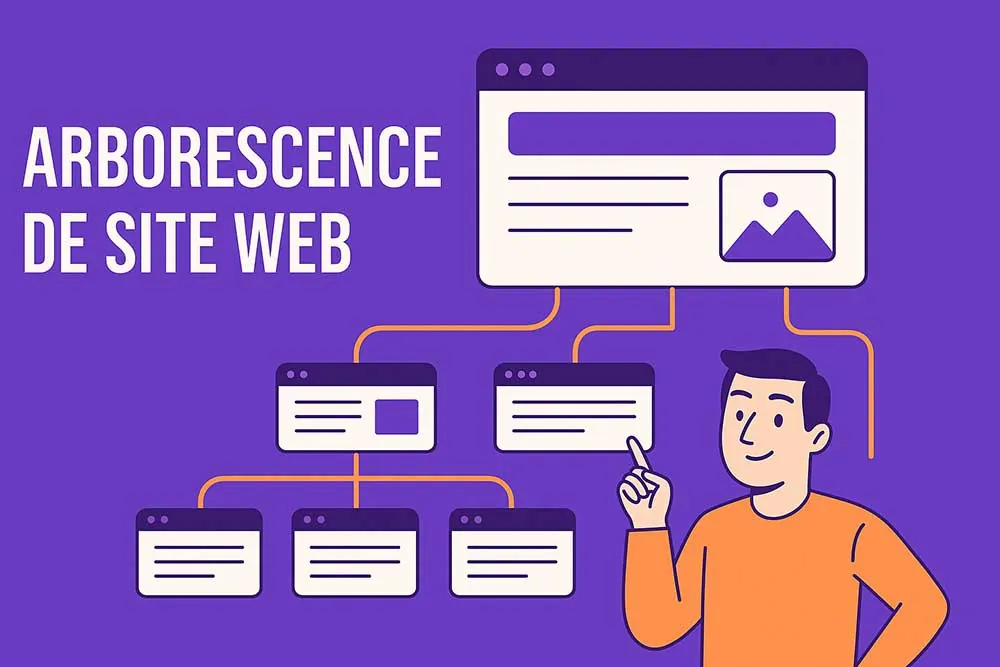
- SEO site structure: structuring a site’s pages to optimise navigation and SEO.
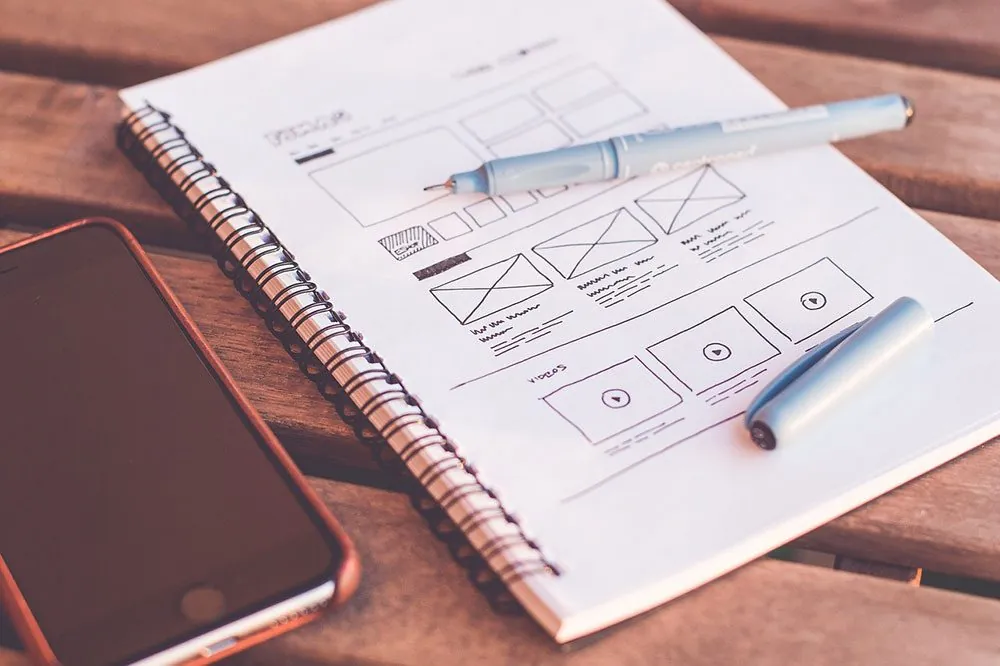
- Wireframes: simple diagrams to visualise the structure of pages.
3. User testing
Prototyping and testing solutions before they go live to identify usability problems.
- Qualitative research: observing user behaviour during tests.
- Quantitative research: analysing data to measure performance.
4. Cognitive ergonomics
Adapting the design to reduce cognitive load and make things easier to remember.
- Gestalt theory: using visual principles to improve perception.
- Cognitive workflow: optimising processes for a frictionless experience.
The benefits of UX design:
- Better user satisfaction: a well-designed product reduces frustration and increases user engagement.
- Higher conversion rate: intuitive navigation and optimised journeys encourage the desired actions, such as a purchase or a sign-up.
- User loyalty: a positive experience encourages users to come back and recommend the product.
- Lower development costs: identifying usability problems early avoids costly fixes after launch.
- A stronger brand image: a product that is easy to use reflects a professional company that cares about its customers’ needs.
What is UI design?
UI design, or user interface design, focuses on the visual and interactive side of a product. It means designing the graphic elements and interactions that let the user engage with the product effectively.
The key components of UI design:
- Graphic design
Creating a consistent visual style that reflects the brand identity.
- Colour psychology: choosing colour palettes that evoke emotions and make the brand more memorable.
- Typography: using readable, attractive fonts.
- Interactions
Designing buttons, menus and other interactive elements.
- Touch navigation: adapting navigation for use on a touchscreen.
- User feedback: providing visual or audio responses to confirm actions.
- Responsive design
Making sure the interface suits every screen size.
- Adaptive web design: creating fluid interfaces for computers, tablets and smartphones.
- Smartphone design: optimising mobile navigation for iOS and Android.
- Prototyping and mock-ups
Building interactive models (web mock-ups) to visualise and test the interface elements.
- HTML and CSS: the basic languages for creating working prototypes.
- Design tools: using software such as Figma or Adobe XD.
The benefits of UI design:
- Better visual engagement: an attractive interface grabs users’ attention as soon as they arrive.
- Greater clarity: a good visual hierarchy helps users quickly understand where to click and what to do.
- Improved accessibility: well-designed interactive elements make the app or site more inclusive for all users, including those with specific needs.
- Optimised navigation: well-structured menus and clear buttons make it easier to interact with the product.
- Brand consistency: a strong visual identity reinforces the brand’s credibility and recognition.
Differences between UX and UI design
Although the two terms are often used together, they differ in approach and objectives:
- UX design: covers the whole user journey, from research to interaction.
- Example: optimising the structure of a website so users can easily find information.
- UI design: focuses on aesthetics and visual interactions.
- Example: designing attractive, intuitive buttons for a sign-up form.
Comparison table:
| Aspect | UX design | UI design |
| Goal | Optimise the user experience | Create an attractive interface |
| Approach | Based on user research | Based on graphic design |
| Tools | Personas, wireframes, tests | Figma, Adobe XD, CSS, HTML |
| Deliverables | Prototypes, recommendations | Mock-ups, interactive prototypes |
How to build UX and UI into your projects
1. Define the goals and needs
- Identify user needs through market research and interviews.
- Determine the project’s business objectives.
2. Carry out user research
- Create personas based on the data collected.
- Develop user scenarios to anticipate behaviour.
3. Define the information architecture
- Organise the content and structure clear navigation.
- Use wireframes to validate the structure before moving on to visual design.
4. Prototype and test
- Create interactive prototypes to simulate the user experience.
- Run user tests to gather feedback.
5. Optimise and iterate
- Improve the interfaces and the experience based on test feedback.
- Make sure the design is adaptive and works on every device.
Why UX/UI design matters for your project
Good work on these two pillars offers several advantages:
- Better user satisfaction: intuitive navigation and attractive interfaces make the experience more enjoyable.
- Higher conversion rate: users are more likely to engage with a well-designed product.
- Optimised performance: a clear architecture and a responsive site make the site more effective.
UX and UI, two essential pillars of any digital project
While one focuses on the user’s overall satisfaction, the other aims to create attractive, functional interfaces. By combining the two approaches, designers can create products that are not only good-looking, but also effective and suited to users’ needs.
To succeed, it is crucial to build UX and UI in from the very first stages of your website design project and to work with experts who understand users’ expectations while respecting business goals. That way, you’ll maximise your chances of creating high-performing, lasting digital products.